
Alder House is a fictional Harrogate skin clinic running on the same platform real clinics use. Three ways in, each about five minutes. Pretend money, sample clients, real software.
Open the demo clinic and sign in with owner@alderhouse.test and alder2026.
On Today, tap an empty slot in a therapist’s column. Pick a treatment, search for a client or add a new one, and book. Try dragging the booking to another time. Try dragging it onto someone who doesn’t do that treatment.
Clients → tap a name. Membership, upcoming visits, consent forms on file, documents and the access log, on one screen.
Bottom of the sidebar → Studio. The setup checklist, the scorecard, brand, hours, memberships, shop, team logins and billing. This is where a clinic is built in an afternoon.
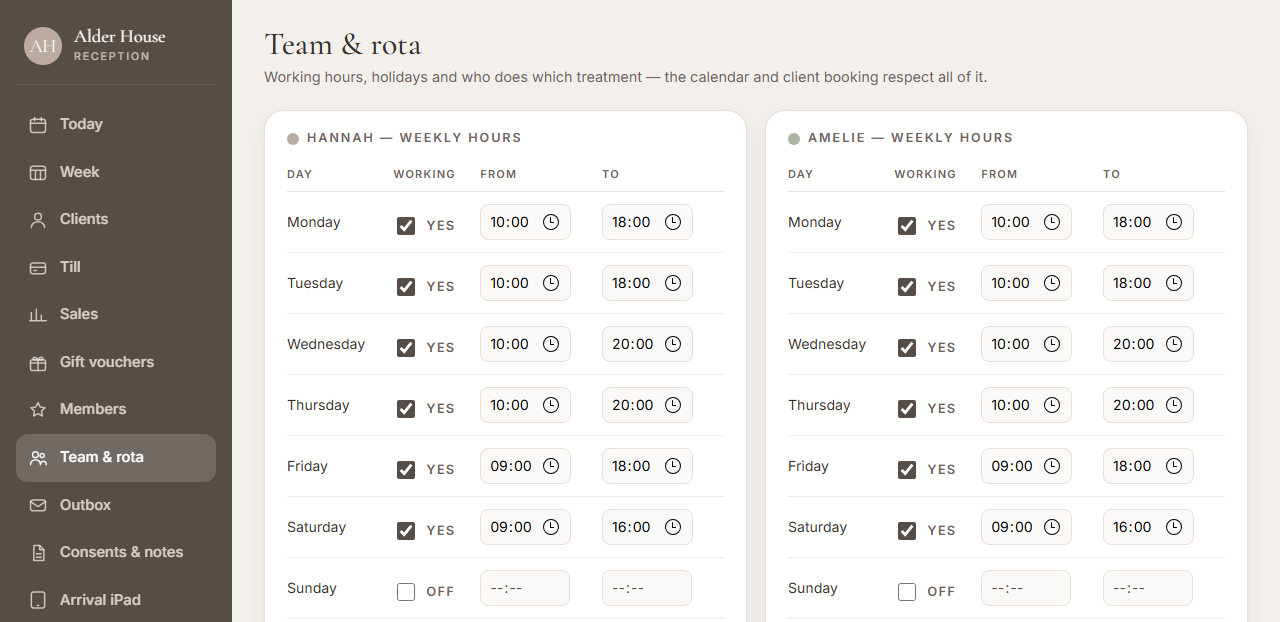
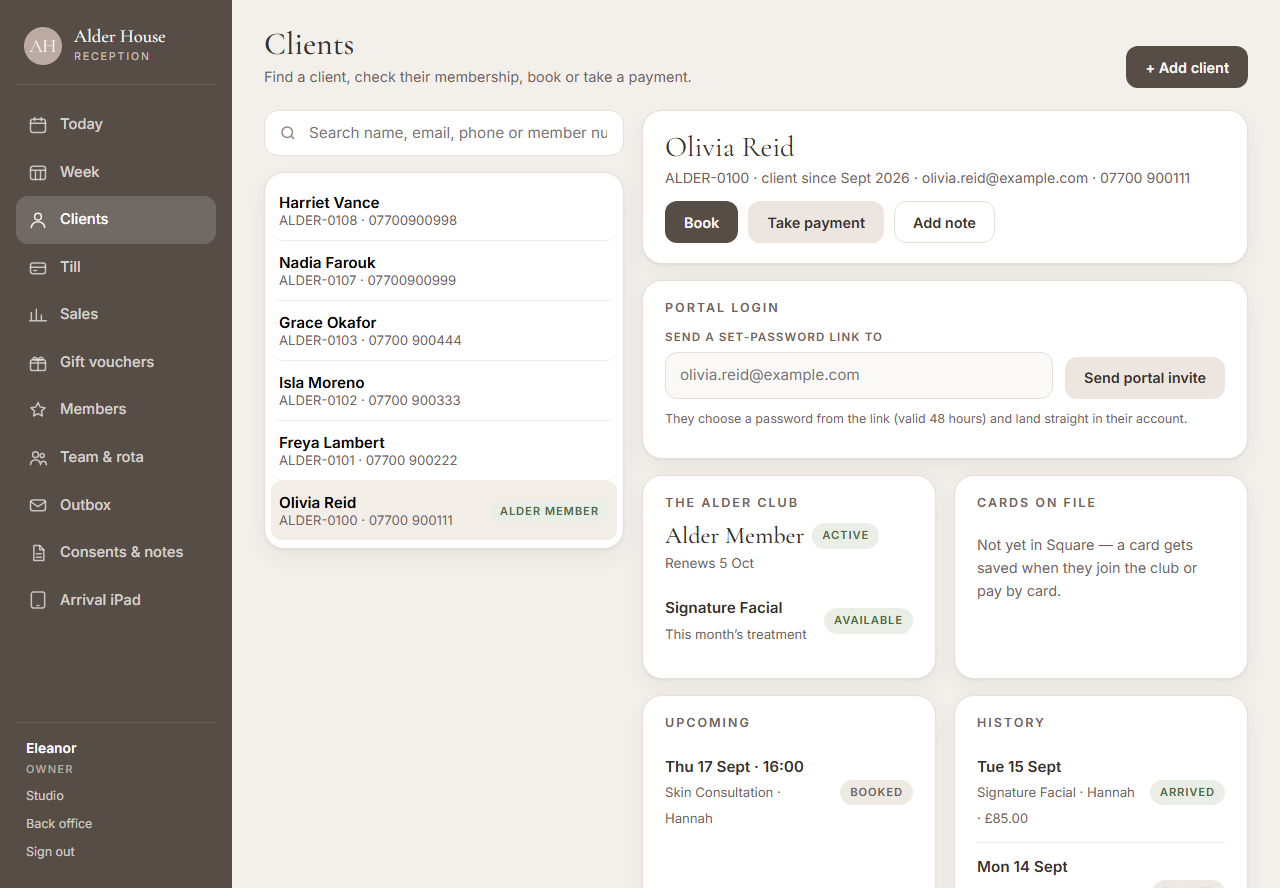
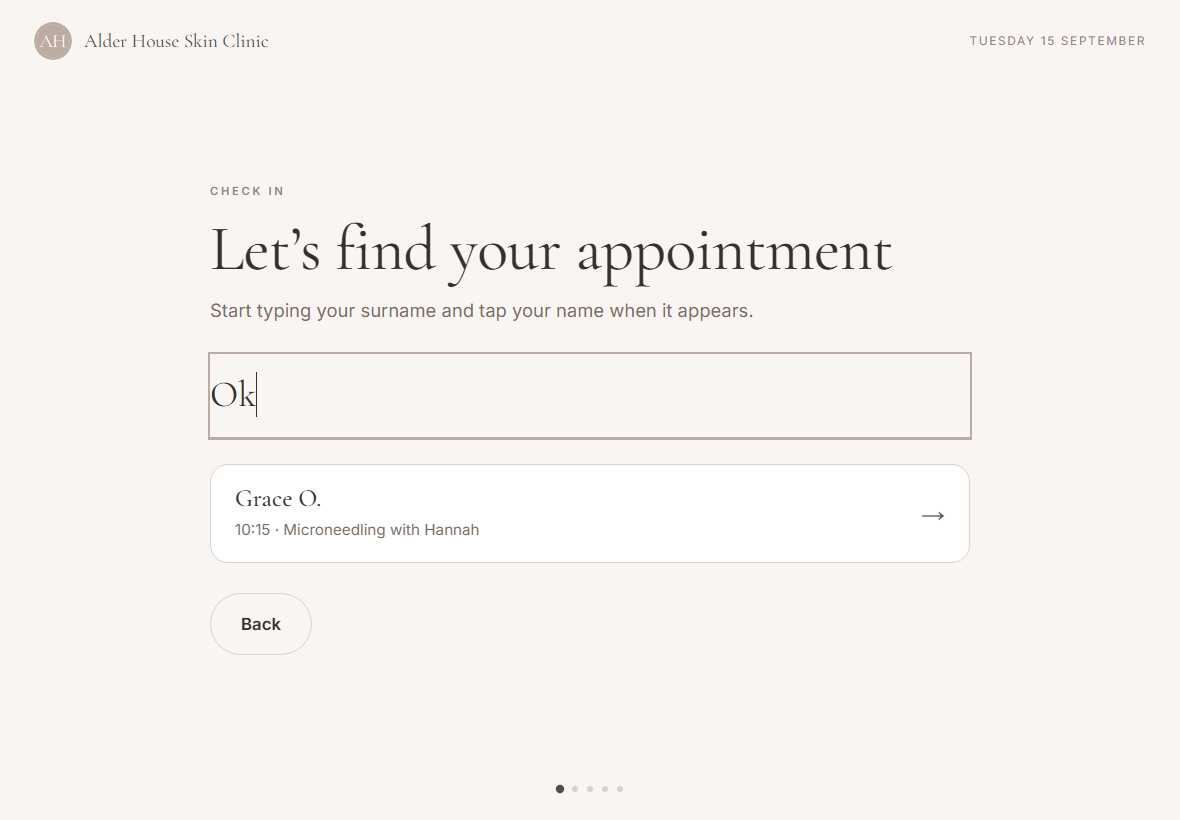
Signed in as the owner, open Arrival iPad from the desk sidebar. It opens in its own tab. On a real iPad it runs full screen with the desk locked away.
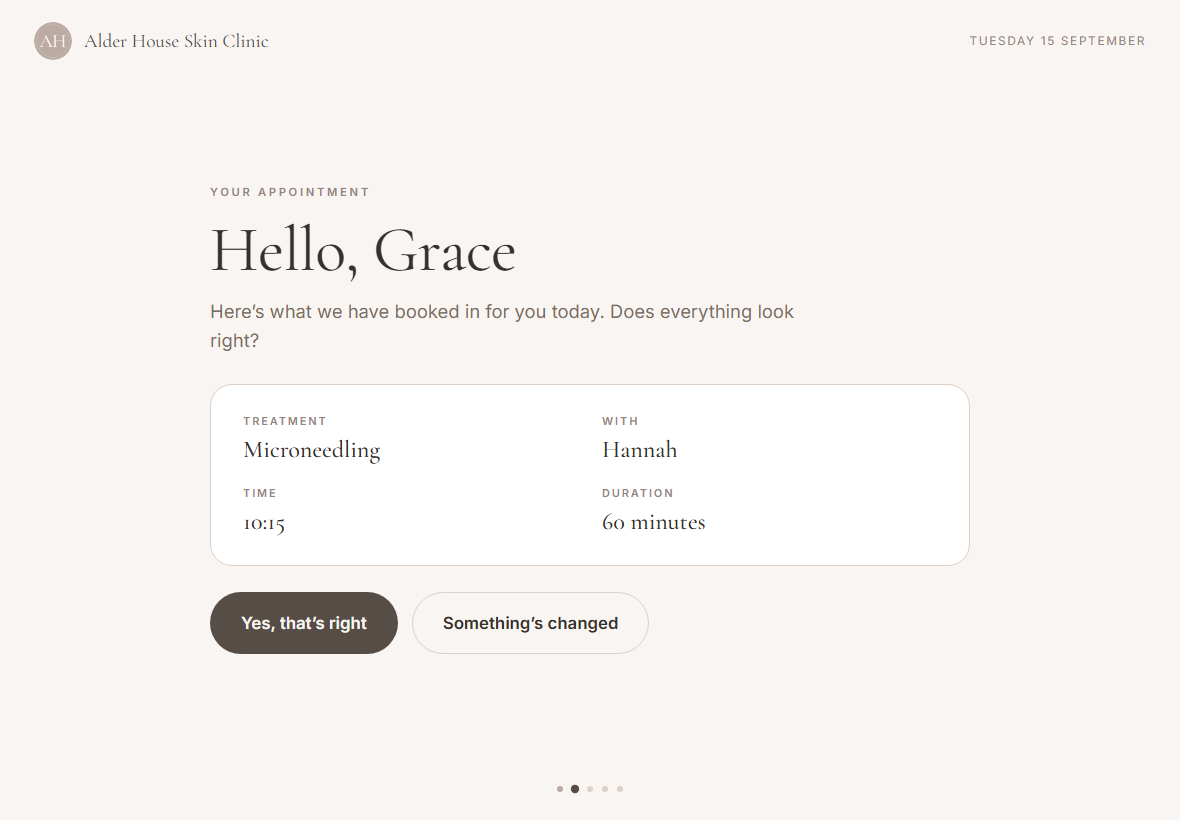
Tap to check in and type rei. A sample client with a booking today appears. Confirm the appointment.
If a consent form is due for that treatment, it appears now, ready to sign with a finger. Then a drink, the music, and a note for the therapist.
Back on the desk tab, a card slides in with a soft chime: who arrived, what they asked for, what they wrote. Tap Got it.
Want to see any screen without running the flow? Add ?preview=confirm, drink, music, note or done to the iPad address.
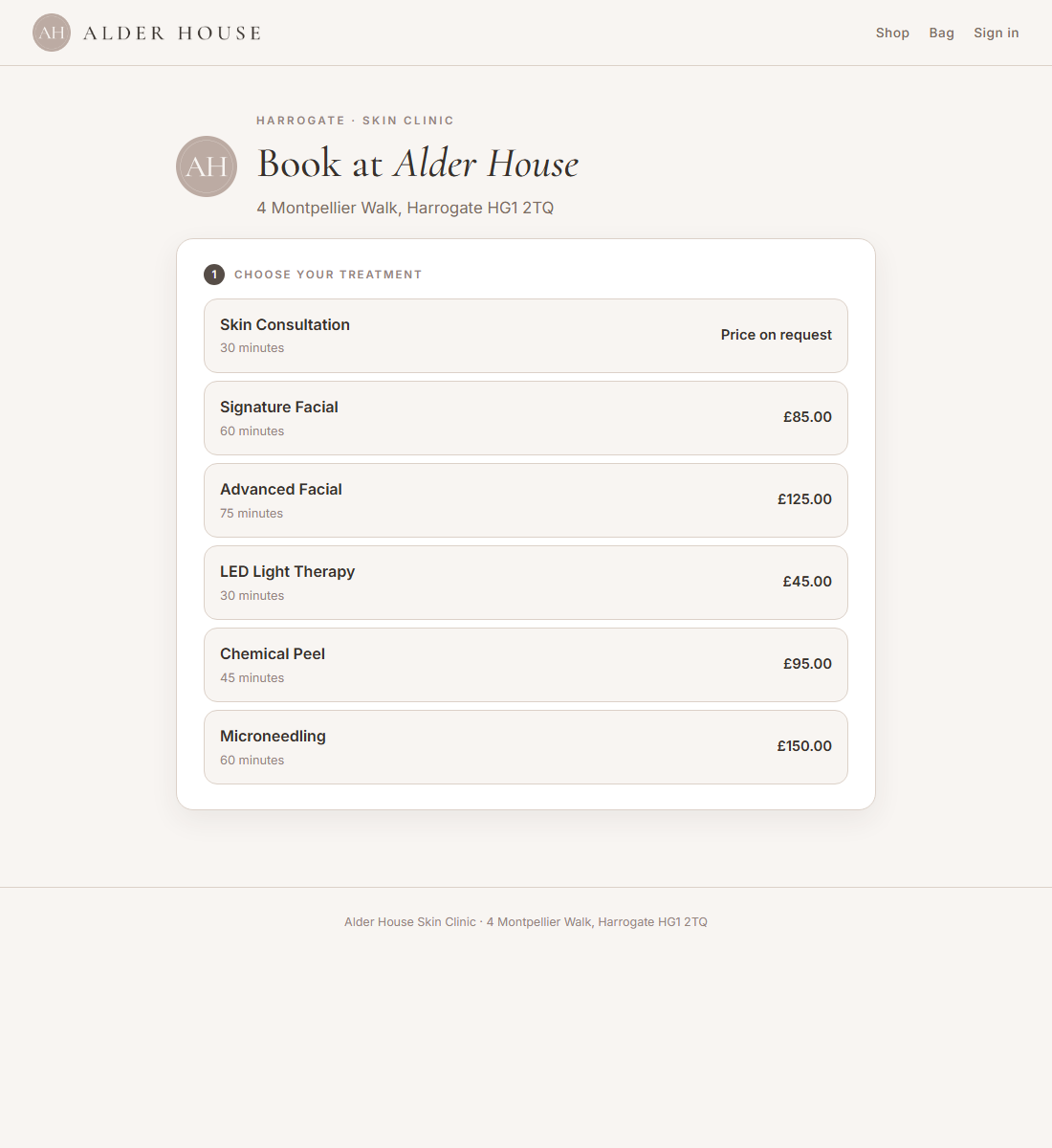
Alder House’s booking page is what a clinic links from its website and its Google listing.
Treatment, therapist or anyone, a day, a time, your details. Use a made-up email. Two hours’ notice, four months ahead, only qualified therapists offered.
Back on the desk as the owner: the booking is in the diary, the client record exists, and the Outbox holds the confirmation, the consent request that treatment needed, and a set-a-password invite.
You have seen the product. If something is unclear, or you want to know how a move from Fresha would go for your clinic, tell us here. A real person replies within a working day.
Or email hello@xenkeep.com.
 Xenkeep